
01
Tap
Tap a compatible phone against your Taply card.
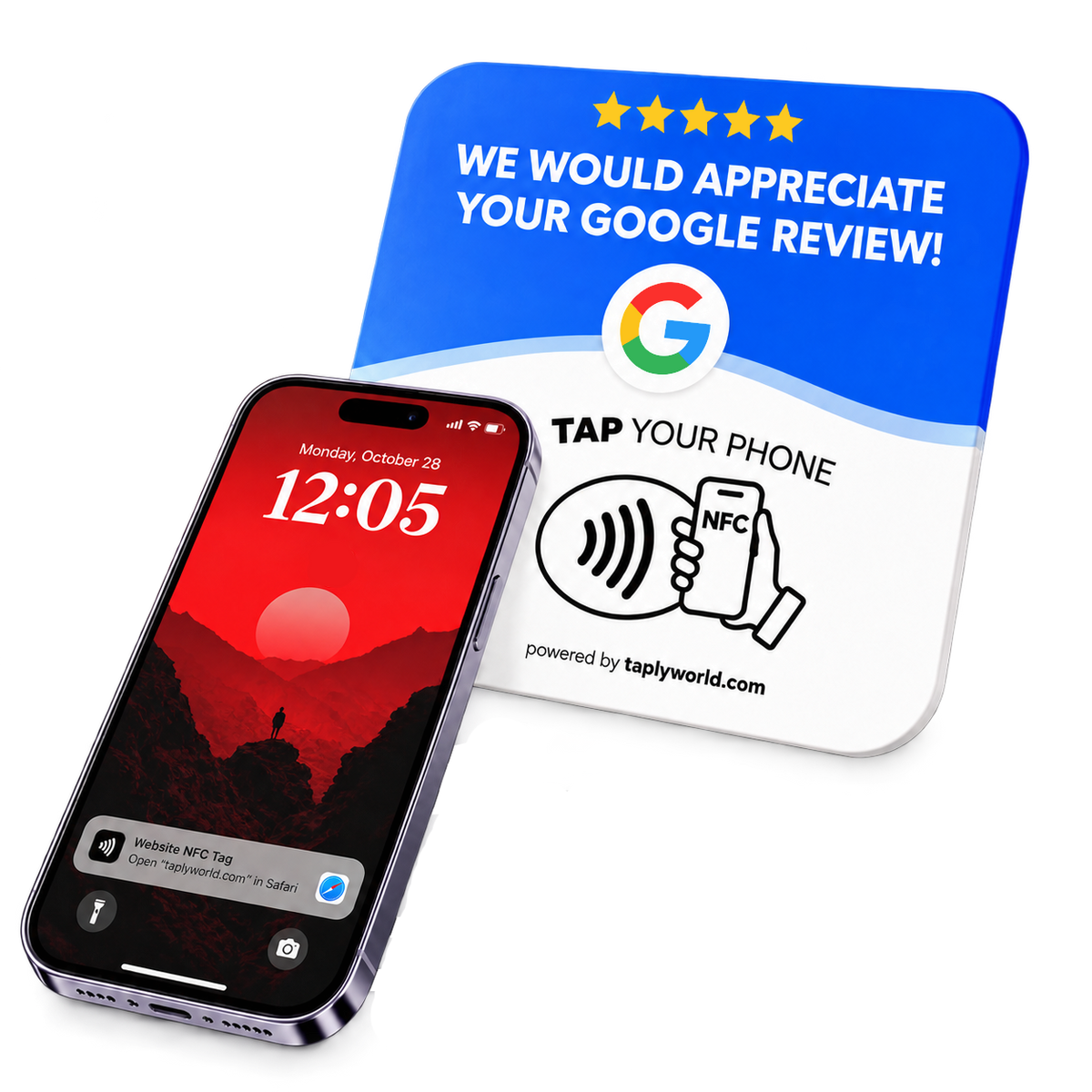
Make it easier for your customers to leave a Google review with Taply's NFC Review Card. Just tap, review and grow.

The compact NFC card made to sit naturally in your business.
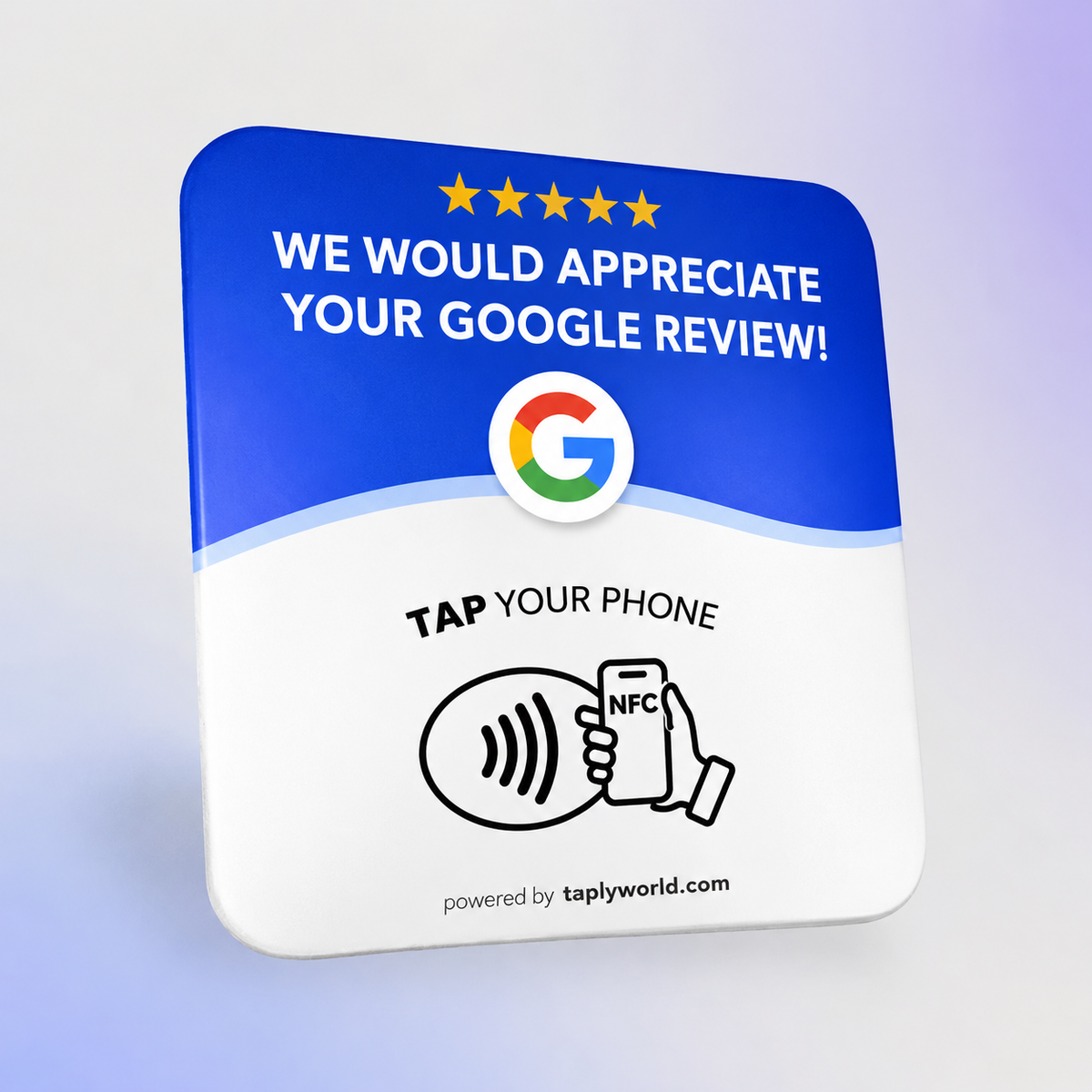
Make it easier for customers to leave a Google review — one simple tap.
Was £39.90
One quick tap connects your customers to your Google review page.
Tap a compatible phone against your Taply card.
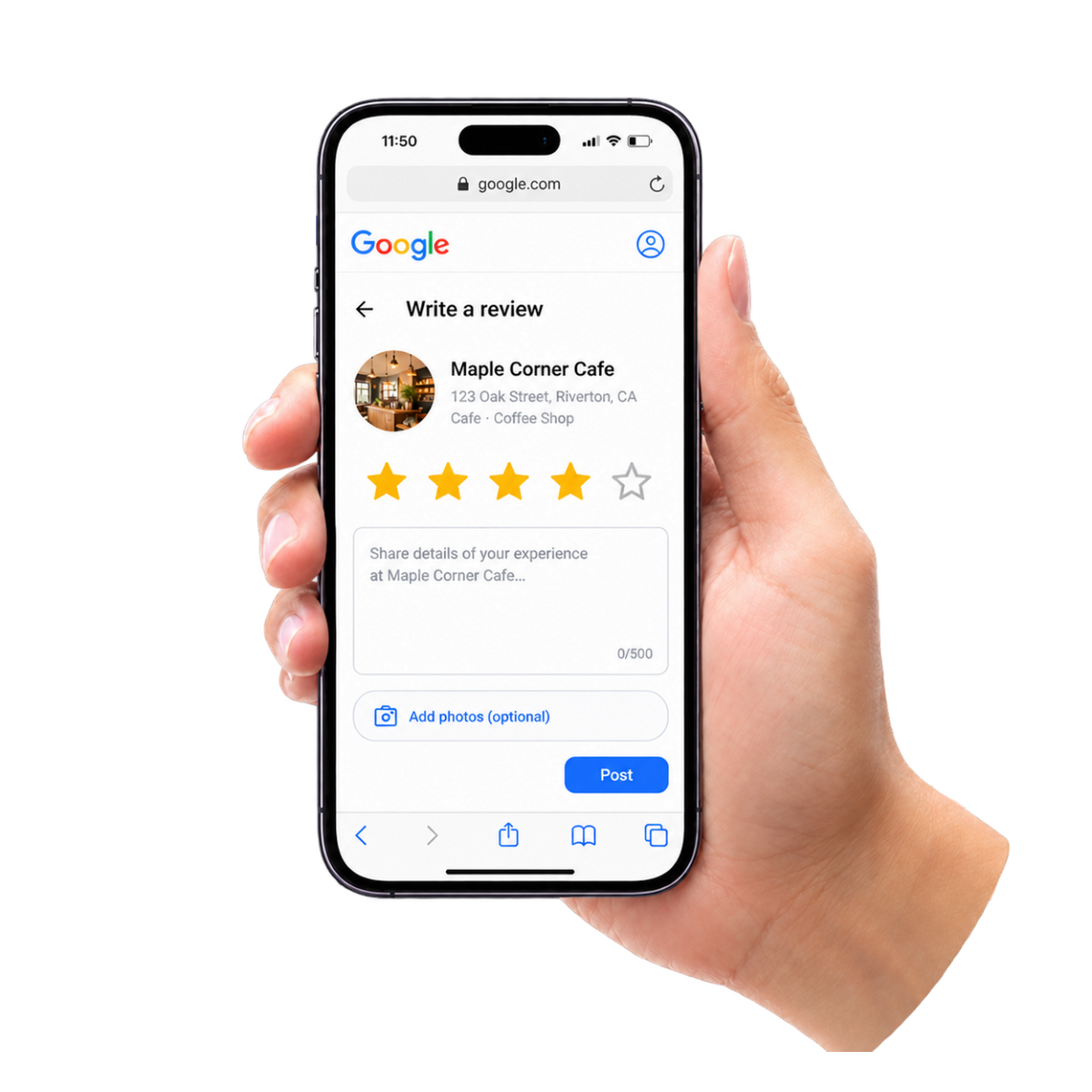
Your Google review page opens, ready for customers to share their experience.
Discover what business owners have to say about Taply.
“Our Google reviews have gone up by over 5x in less than a month! Whether the reviews are good or bad, Taply does exactly what it’s supposed to do. Definitely worth it!”

“They can simply tap and leave their feedback, such a simple idea but really useful for a busy salon.”

“Bought 2 Taply cards, one for my shisha lounge and one for my barbershop. Both work great, really easy for customers to use and definitely worth the money.”

Everything you need to know before your first tap.
Yes. Customers must sign in to a Google account to submit a Google review.
No additional app is required to open an NFC review link on a compatible smartphone.
Simply tap a compatible smartphone against the card and the linked Google review page opens.
No — Taply handles your card’s initial setup.
On a counter, reception desk, checkout area or anywhere convenient and accessible to customers.
Make leaving a Google review simpler for your customers.
GET YOUR TAPLY CARD